
Description
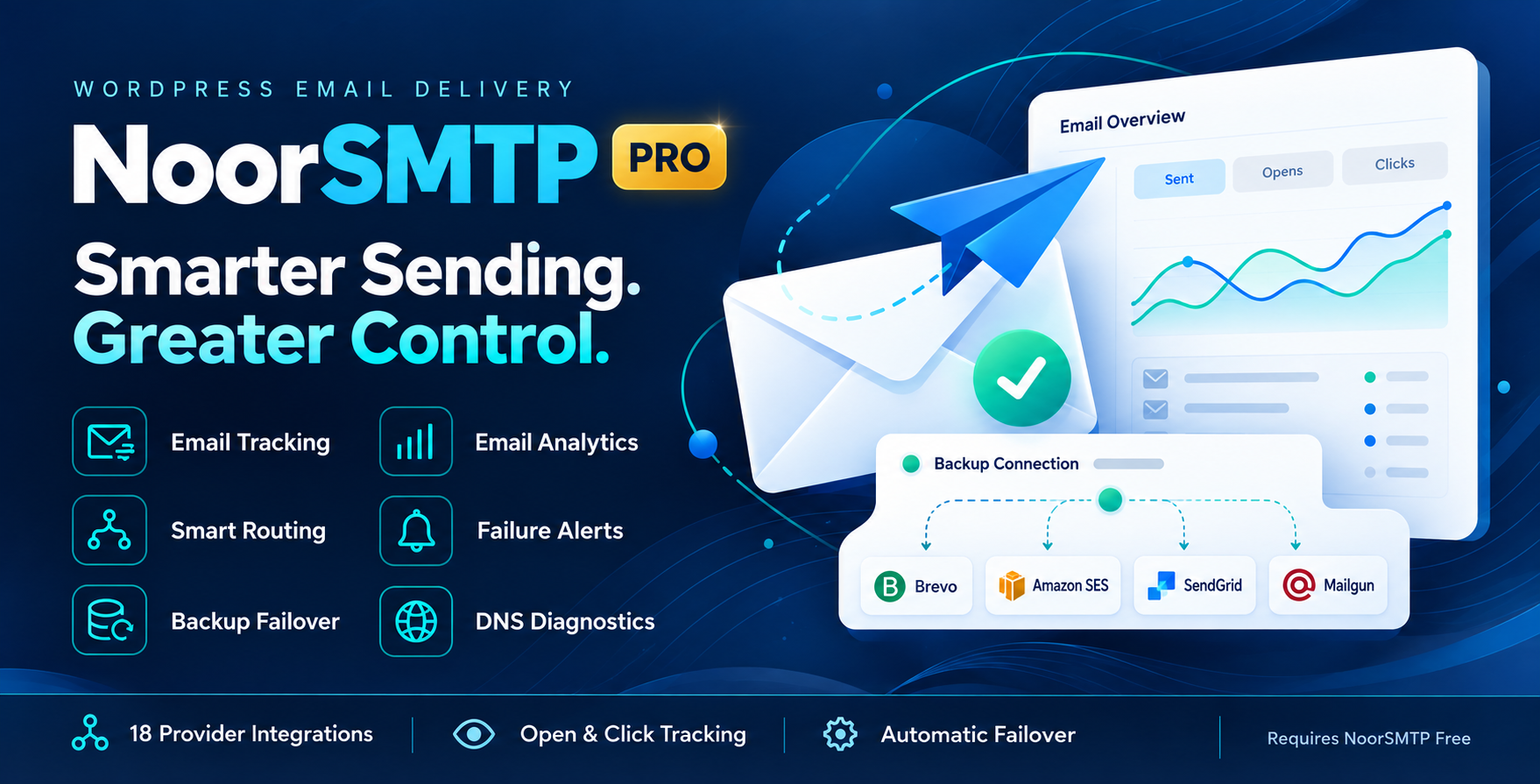
Smarter Sending.
Greater Control with NoorSMTP Pro.
Bring your email providers, tracking, analytics, and backup connections together. Upgrade NoorSMTP Free with the tools to manage WordPress email delivery with confidence.
Built for everyday email
More visibility. More control.
From sending records to backup providers, keep the details of your website emails within reach.
Understand Your Emails
Review sending activity, inspect saved messages, and see recorded opens and clicks.
Plan for Sending Failures
Configure a backup provider and receive alerts when email sending fails.
Choose How Emails Send
Route emails by recipient domain or subject and connect the providers that suit your website.
Inside NoorSMTP Pro
A complete toolkit for your website emails
Monitor activity, troubleshoot configuration, and manage your sending connections.
Advanced Logs & Resend
Inspect detailed records and saved email content. Preview messages, resend individual or selected emails, and export logs to CSV.
Open & Click Tracking
Record opens and link clicks in HTML emails to understand engagement after sending.
Visual Email Analytics
Review daily sending trends, sent and failed counts, recorded engagement, and provider activity.
Smart Email Routing
Send through different mailers using recipient-domain or subject-match rules, with provider priorities and health tracking.
Backup Connections
Automatically try a configured backup connection when the primary provider fails to send.
Failure Notifications
Receive email or webhook alerts when sending fails, with throttling to reduce repeated notifications.
Scheduled Reports
Receive weekly or monthly digest emails and view a sending summary widget in the WordPress dashboard.
DNS Diagnostics
Check SPF, DKIM, DMARC, and MX records to help identify email-domain configuration issues.
Email Management Tools
Use log-only sandbox mode, recipient suppression lists, advanced log retention controls, and Multisite network defaults.
Your providers. One dashboard.
18 additional provider integrations
Choose a dedicated integration in Pro, alongside generic SMTP and Gmail API sending in the free plugin.
Mailgun
Amazon SES
Brevo
SendLayer
SMTP.com
Elastic Email
Mailjet
Mandrill
Microsoft 365 / Outlook.com
Postmark
SMTP2GO
SparkPost
Zoho Mail
Resend
MailerSend
Infobip
Scaleway
Provider accounts, sending limits, and usage charges are separate from the plugin license.
Choose your edition
NoorSMTP Free vs Pro
Start with SMTP or Gmail API. Add Pro for advanced monitoring, provider integrations, and routing.
| Features | NoorSMTP Free | Free + NoorSMTP Pro |
|---|---|---|
| Generic SMTP sending | Included | Included |
| Gmail API with OAuth | Included | Included |
| Test email tool | Included | Included |
| Email logs | Basic sending records | Advanced records & content preview |
| Email preview & resend | — | Individual & bulk resend |
| CSV log export | — | Included |
| Open & click tracking | — | Included |
| Visual analytics | — | Trends & provider breakdown |
| Scheduled email reports | — | Weekly / monthly digests |
| Dashboard summary widget | — | Included |
| Additional provider integrations | — | 18 integrations |
| Smart routing | — | Recipient domain & subject rules |
| Backup connections | — | Automatic failover |
| Failure alerts | — | Email & webhook notifications |
| DNS diagnostics | — | SPF, DKIM, DMARC & MX checks |
| Sandbox log-only mode | — | Record without dispatch |
| Recipient suppression list | — | Included |
| Advanced log retention | — | Configurable cleanup |
| Multisite network settings | — | Network defaults |
Pro is an add-on. NoorSMTP Free must remain installed and active. An active Pro license enables licensed modules.
Easy setup
Connect. Configure. Monitor.
Build your email setup around the provider and features you need.
Install & Activate
Install NoorSMTP Free, activate NoorSMTP Pro, and enter your Pro license key.
Connect Your Provider
Configure your chosen provider credentials and send a test email.
Enable Pro Features
Choose your tracking, alerts, reports, routing, and backup connection settings.
Before you get started
Frequently asked questions
The essentials about setup, sending, and email tracking.
Does NoorSMTP Pro require the free plugin?
Yes. Pro extends NoorSMTP Free. Install and activate both plugins to use the Pro features.
Can I use Gmail without Pro?
Yes. Gmail API sending with your own OAuth configuration is included in NoorSMTP Free, along with generic SMTP support.
Are provider subscriptions included?
No. You need an account with your selected provider. Its pricing, quotas, and sending restrictions apply separately.
Does open tracking confirm every email was read?
No. Tracking records activity detected through images and links. Image blocking, privacy features, and automated scanners can affect results.
Does a sent status guarantee inbox placement?
No. A successful send indicates that the sending process succeeded. Inbox placement depends on the provider, domain configuration, recipient server, and other factors.
What are the system requirements?
WordPress 6.0 or later, PHP 7.4 or later, NoorSMTP Free, and an active Pro license for licensed features.
YOUR NEXT STEP IN EMAIL MANAGEMENT
Give Your WordPress Emails
the Attention They Deserve.
Choose NoorSMTP Pro for detailed email insights, more provider choices, smart routing, and backup connections.
NoorSMTP Free + Pro add-on · Licensed activation · Automatic Pro updates


Reviews
There are no reviews yet.